Paint Mixing Calculator Pro
Enter your product TDS ratio, then get ingredient quantities and cumulative cup or scale targets. Advanced workshop tools stay optional — no signup required.

Paint Mixing RecipeMulti-Batch Mixing ChartWorkshop Mix Reference
Calculated from user-entered values · Confirm the product TDS/SDS before mixing.
01 Mix configuration
- Recipe / shop reference
- —
- Mix ratio
- —
- Reducer definition
- —
- Source target
- —
- Allowance
- —
- Cup capacity
- —
- Entered material densities (unverified)
- —
02 Calculated ingredient quantities
| Material | Volume | Weight | Cumulative |
|---|---|---|---|
| Paint | — | — | — |
| Hardener | — | — | — |
| Reducer | — | — | — |
| Total theoretical mix | — | — | — |
—
03 Cup / scale reference
—: —. Use the real instrument division; these are theoretical/rounded targets, not calibrated instructions.
ACTIVATION / MIX START (fill in when mixed): __________________ · ACTUAL EXPIRES AT (from TDS): __________________
IMPORTANT: Not manufacturer approved. Mathematical estimates only; additive volumes may not equal measured mixed-liquid yield. Confirm the exact TDS/SDS for mixing order, compatibility, density, device limits and pot life. Unknown values remain unavailable.
Mix Setup
Ratio Finder · measured ingredientsOptional · infer ratio from measured portions
Different from calculating a recipe from known Paint. Enter independently measured ingredient quantities in the same unit, not the mixed total. Unmeasured materials remain unknown; measured Reducer cannot be separated into a third ratio part and an extra percentage.
Provide at least two independent component measurements.
Live Mix Recipe
Calculated values are theoretical estimates, not manufacturer dispensing instructions.
| Component | Volume (mL) | Weight (g) |
|---|---|---|
| Paint | — | — |
| Hardener | — | — |
| Reducer | — | — |
| Total | — | — |
Swipe sideways to see both volume and weight columns.
Third ratio part: — / —
Additional percentage: — / —
Both contributions use the same Reducer material; the row above is their sum, not another addition.Cumulative measuring points
These are cumulative stops in one container, not separate doses: after Paint, then Hardener, then Reducer. Follow the product TDS sequence.
| After adding | Cumulative mL | Cumulative g |
|---|---|---|
| Paint | — | — |
| Hardener | — | — |
| Reducer | — | — |
Mixing Cup / Scale
Device stop targets are quantized separately from the theoretical recipe. Each executable addition is the difference between adjacent rounded cumulative stops. Use your instrument's real graduation; software cannot certify its accuracy.
This is a planned batch. Add every component as shown.
Illustration only — not calibrated.
Select a mode to view cumulative dispensing targets.
- 01Add Paint
—
— - 02Add Hardener
—
— - 03Add Reducer
—
—
Cumulative readings assume Paint → Hardener → Reducer for illustration. Follow the actual product TDS mixing order. For a scale, tare the empty cup once; do not tare between additions.
Recipe specification
- Recipe
- Unnamed recipe
- Generated
- —
- Ratio
- —
- Reducer
- —
- Starting target
- —
- Overage
- —
- Planned amount
- —
- Cup capacity
- —
- Entered material densities (not independently verified)
- —
Add verified densities to show cross-unit amounts.
Optional print identification · job, materials and TDS
Print reference (optional)
Identify the job and product containers on paper. These notes do not change calculations, are not TDS verification and are not included in the share QR.
Optional · Save, reuse or export a formula
Save and reuse your recipe
Up to 20 recipes are stored in this browser only. They are not synced, backed up or available to DCRYSTA. Share a link to transfer settings to another device.
Local JSON recipe backup
Download or restore a versioned file only on this device. No cloud upload or server synchronization. Import validates every record before any change.
No file selected.
No account needed. Local browser storage may be cleared by your browser.
Important: Product TDS/SDS, mixing ratio specification, safe handling and pot life always take priority. Percentage basis must match the TDS; theoretical additive volumes are not a measurement guarantee.
Only open what you need
Standard Pro mixing stays above. For repeat batches, actual-pour history, area estimating, material costs or label printing, expand only the relevant task. No extra setup is required for a one-off mix.
Multi-Batch Mixing Chart1–12 batch sizes · existing Pro math
Enter desired finished mix totals before any batch allowance; all values use the current ratio dimension (mL for volume ratios; g for weight ratios). Example amounts are not TDS prescriptions.
Instrument stop targets follow the Cup/Scale mode and selected equipment division above; unavailable readings are never inferred.
Choose sizes and Generate chart.
Review your formula and selected equipment mode before using this chart.
| Requested | With allowance | Paint | Hardener | Reducer | Cup | Cumulative device stops (P / H / R) |
|---|
Actual Poured / Deviation ReviewArithmetic only · no mix recovery approval
Record independent measured amounts, not a finished mixture total. Leave unknown quantities blank; blank does not mean zero. This is not a manufacturer tolerance or an instruction to repair an overpoured mix.
Enter amounts in the ratio's native dimension.
No recorded measurements.
Optional batch record · local only
A saved record copies the current verified formula, independent actual measurements and differences. No automatic correction, usable-mixture approval or cloud synchronization. Do not enter personal details.
Nothing sent to DCRYSTA. Browser data may be cleared. Comparison is required before saving a batch record.
Batch Material CostYour prices · no rate database
Enter the price of each component for 1 L or 1 kg. Incomplete prices or missing densities produce an unavailable total, not a guessed cost.
Prices are optional and are not saved in shared recipes.
Surface Area / Quantity EstimatorUser-confirmed RTS coverage · planning only
Uses user-provided area and ready-to-spray (RTS) mix coverage, m²/L for one coat. The manufacturer may express coverage differently. No default bumper sizes, transfer efficiency, coverage or coat count are assumed.
Estimates depend on actual transfer losses and the product application instructions.
Measured Panels & Separate CoatsOptional advanced estimate · no vehicle-area assumptions
Use this only if you need a panel-by-panel estimate. Enter your own measured panel width/height in mm; actual curves, gaps and overspray make rectangles approximate. A blend fraction must be chosen from your real repair plan. No car model, panel area, transfer efficiency or coverage rate is presumed. Set each layer's own area fraction explicitly: Primer spot repair, Basecoat blend and full-panel Clearcoat may cover different extents. The layer fraction multiplies the panel-list area after each panel's coverage fraction; do not apply the same blend reduction twice.
| Layer | Coats | Portion of measured area (0–1) | RTS m²/L per coat | Allowance % |
|---|---|---|---|---|
| Primer | ||||
| Basecoat | ||||
| Clearcoat |
No measured panels or active layers submitted.
Each layer requires its own product TDS and potentially a different ratio. Sending a layer switches only the current Pro target to its estimated finished mL; it does not choose or certify an appropriate paint system.
Compact Recipe CardPrintable shop reference · not TDS verified
Print a concise calculation reference for this batch. It does not establish material compatibility, mixing order or usable pot life.
Cup label is an independent small-format print sheet, not a scaled-down A4 report. Check your label printer's supported paper size and disable browser headers/footers.
Uses the current valid calculation.
QUICK POUR REFERENCE · USER-ENTERED FORMULA
—
—
—
—
—
| Material | Quantity | Cumulative |
|---|
MIX START: ______________ · TDS-BASED USE-BY: ______________
Not manufacturer approved. Cumulative values are mathematical checkpoints, not printed markings on a physical mixing cup. Verify material identity, instrument division, TDS/SDS and permitted pot life.
Unprepared
—
—
JOB: —
MATERIAL: —
TDS: —
MIX START: ____________ TDS USE BY: ____________
DEVICE PRECISION WARNING · REVIEW FULL WORKSHEET
Not manufacturer approved. Confirm exact product TDS/SDS before use.
Precision without unnecessary assumptions
A 4:1:1 volume ratio means four parts paint, one hardener and one reducer. A 4:1 mix with 10% reducer based on paint plus hardener is different. A product TDS may explicitly require both a 4:1:1 third part and a separate additional percentage; the calculator supports that combination without assuming it. For 400 mL paint, the first yields 600 mL total, and the second 550 mL. For 10% of the final mix, the formula is different again.
The calculator displays both mL and g only when each conversion is supported by an entered material density. Missing information is labeled Not available rather than silently replaced with an assumed density.
Designed for real mixing work
Specify a final batch or start from a known paint quantity (with zero allowance for paint already poured). Add a batch allowance, check whether the theoretical volume exceeds your mixing cup, then follow cumulative addition points when dispensing. Save frequently used recipes locally or share a versioned recipe URL.
For occasional calculations with a simpler interface, use the DCRYSTA Paint Mixing Calculator.
Common Paint Mixing Questions · Pro
01Does 4:1:1 give the same result as 4:1 plus 10% reducer?
No. With 400 mL paint, a 4:1:1 volume ratio adds 100 mL hardener and 100 mL reducer. A 4:1 mix with 10% reducer based on paint plus hardener adds 50 mL reducer. Read the TDS before choosing a formula.
02Which reducer percentage basis should I choose?
Use the basis specified in the product TDS: paint, paint plus hardener, or finished mix. The tool does not infer a basis from +10%. A third ratio part and a separate additional percentage can both apply if the TDS states that.
03Can the ratio be by volume while my target is by weight?
Yes. The ratio and target are separate settings. Cross-unit calculations need the actual densities of the relevant components. Missing density information prevents the corresponding conversion.
04Why does the result say Not available for some units?
No default density is assumed for paint, hardener or reducer. Enter values for the actual materials to see both grams and mL, or work in the same measurement dimension as the stated formula.
05Are cumulative pour points exact marks for my scale or cup?
They are calculated checkpoints, not physical cup markings. Select your measuring-device increment and review rounding warnings. A theoretical decimal dose may not be achievable on a 1 g scale.
06What if I have already measured the paint?
Start from the known Paint amount, select its unit and set allowance to zero for material already poured. Review the calculated hardener and reducer before continuing; the tool cannot correct a wrong amount already in the cup.
07Do saved recipes or printed labels confirm pot life and compatibility?
No. Saved recipes remain in this browser unless exported or shared. Printed references and entered job details do not verify material compatibility, TDS revision, mixing sequence or usable pot life.
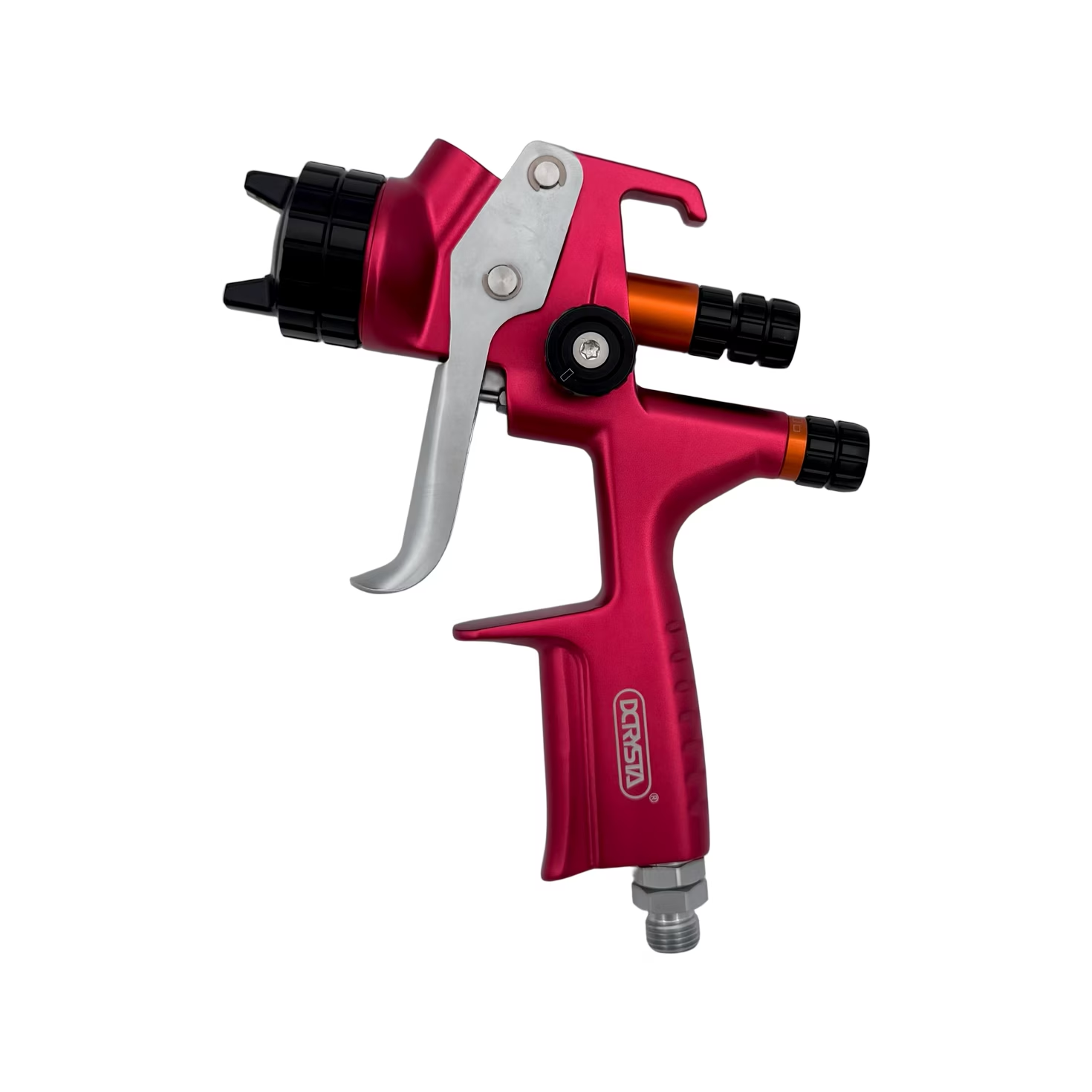
DCRYSTA High-Performance DSG-2003H/R Spray Gun
Professional HVLP/LVMP spray-gun series with listed 1.3 mm nozzle, forged-aluminum body and stainless-steel nozzle and needle. Confirm the specified variant and setup.
View product
DCRYSTA High-Performance DSG-2006H/R Spray Gun
HVLP/LVMP spray-gun series listed for metallic, pearl and clearcoat work. Published specifications include 1.3 mm nozzle, stainless-steel fluid components and alternative body finishes.
View product
DCRYSTA DSG-2000 HVLP Spray Gun
HVLP gravity-feed spray gun with 1.3 mm standard nozzle, optional 1.4/1.7 mm tips, 600 ml cup and published 2.0 bar working pressure. Confirm setup for the coating system.
View product